Choose around
your applications.
The application, project and complete workstation shape the choice. Check the exact GPU and driver combination before comparing professional cards.
Browse workstation GPUs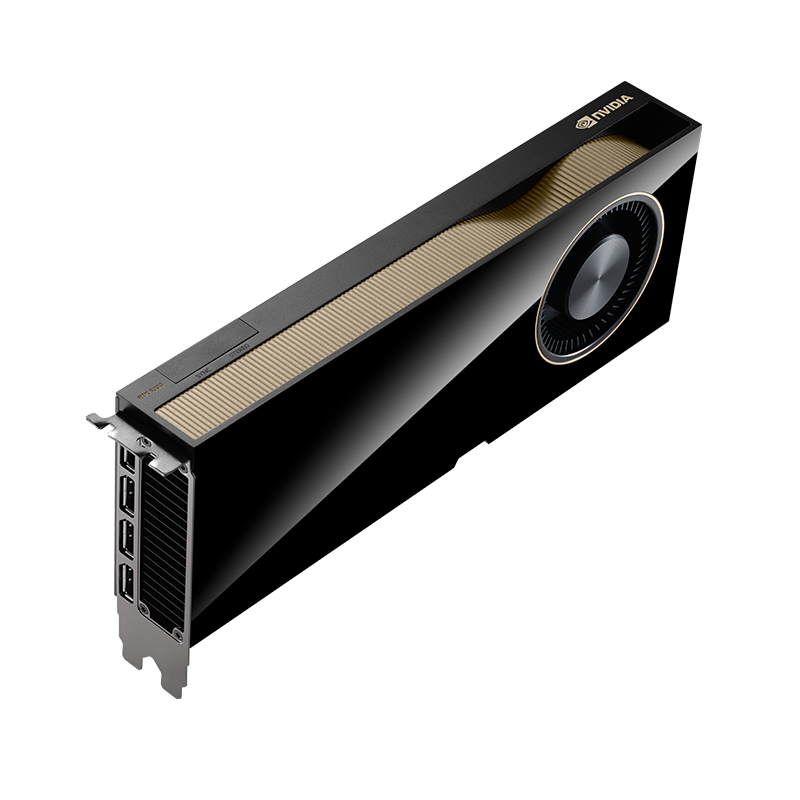
Start with the requirements.
- Application support
- Check the software version, operating system, GPU and driver as one combination.
- Project memory
- Use your real scenes, datasets or timelines to establish memory needs.
- The whole workstation
- Confirm the exact card body, cables, display outputs and system power guidance.
In this guide
Check the combination.
Open the part relevant to your project.
Start with your applicationsSoftware version · OS · driver
Write down the applications and versions you rely on, along with your operating system. NVIDIA’s certification records describe specific application, driver and hardware combinations; a professional GPU name alone does not establish certification for your setup.
Check NVIDIA’s ISV certification records, then confirm the requirements with your application vendor.
Size memory around your workScenes · models · timelines
Check memory use in representative projects and the application’s own requirements. A larger memory capacity can accommodate different project sizes, but capacity alone is not a performance ranking. Include software features and the complete system in your comparison.
Check the workstationPhysical format · power · displays
Compare the exact edition’s dimensions, slot layout, power connector and display outputs with your workstation documentation. Keep board power separate from a whole-system PSU recommendation. Where a PSU recommendation is absent, ask the workstation supplier to validate the complete build.
Plan the supported software setupDriver branch · release notes
Choose the driver and operating system required by your applications. Recheck the vendor’s current compatibility records when upgrading the GPU, driver or application. Check any licensing and support requirements separately; they are not established by a catalogue image or GPU family name.
Memory and format are separate choices.
These two recorded editions have different memory capacities, physical formats and connections. They illustrate what to compare, not which GPU is faster or certified for your application.
NVIDIA RTX 6000 Ada Generation 48GB- Memory type
- 48GB GDDR6 with ECC
- Form factor
- Full height, dual-slot
- Power consumption
- 300W maximum
 NVIDIA RTX 2000 Ada Generation 16GB GDDR6 Professional Graphics Card
- Memory type
- 16GB GDDR6 with ECC
- Form factor
- Dual-slot
- Power consumption
- 70W maximum
Bring your requirements.
- Application names and versions, operating system and driver requirements
- Typical scene, dataset or timeline size and memory use
- Workstation model, PSU model, available card space and display connections
- Exact GPU editions under consideration, quantity and project budget
Manufacturer references: NVIDIA application certifications · RTX 6000 Ada specifications · RTX 2000 Ada specifications. Check the current documents for your supplied configuration.