GPU ELITE / GRAPHICS CARD SPECIALISTSorders@gpuelite.co.uk · Buying information
NVIDIA GeForce RTX 50 Series

A new generation.
More possibility.

Explore Blackwell-powered graphics, immersive worlds and the partner cards behind your next build.

RTX 5090 Founders Edition shown. Partner cards have their own designs. Motion study using NVIDIA artwork.

Inside the architecture

Meet NVIDIA Blackwell.

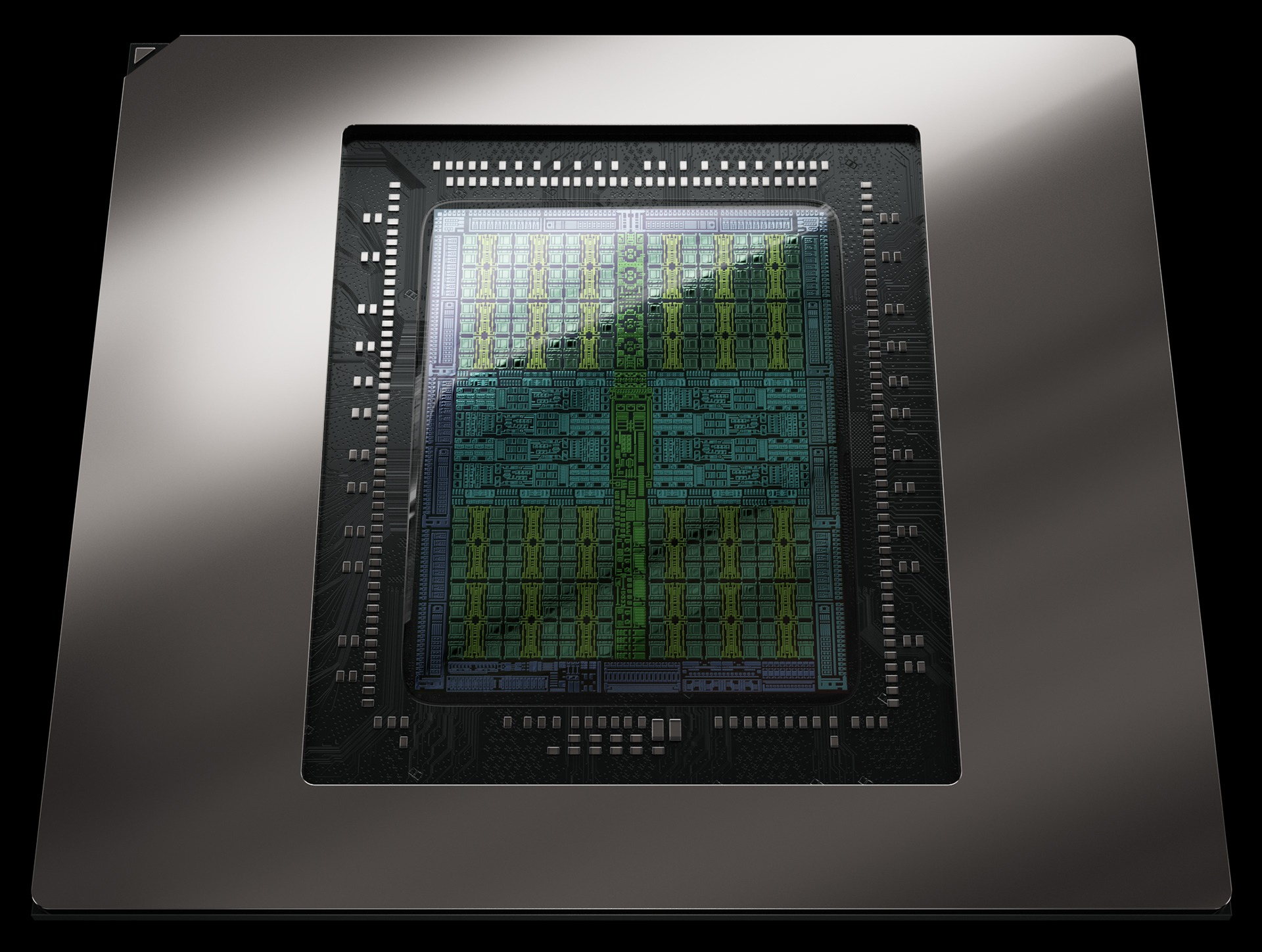
RTX 50 Series combines fifth-generation Tensor Cores, fourth-generation ray-tracing cores and streaming multiprocessors designed for neural shaders.

NVIDIA Blackwell GPU die
01 / Tensor Cores

AI-assisted rendering

Dedicated AI processing supports NVIDIA’s neural rendering technologies, including DLSS.

02 / RT Cores

Light, with more depth

Ray-tracing hardware helps supported games render complex lighting and path-traced scenes.

03 / Streaming multiprocessors

A new rendering foundation

Blackwell’s shader design brings traditional graphics and neural rendering together.

Source: NVIDIA GeForce RTX 50 Series. Features depend on the game, application and software support.

The experience behind the specifications

Play. Create. Explore.

Cyberpunk 2077 game scene used to illustrate NVIDIA DLSS
Cyberpunk 2077 / NVIDIA DLSS artwork · NVIDIA
NVIDIA DLSS

More than a frame rate.

DLSS combines AI upscaling, ray reconstruction and frame generation. Super Resolution reconstructs higher-resolution output from a lower-resolution input; frame generation adds AI-generated frames. NVIDIA’s current DLSS information also covers Dynamic Multi Frame Generation and DLSS 5 neural rendering.

Check the features supported by your games and driver. Generated frames and native rendered frames are different measures; compare both image quality and input responsiveness.

Explore NVIDIA DLSS at NVIDIA
The Finals game environment used to illustrate NVIDIA Reflex
The Finals / NVIDIA Reflex artwork · NVIDIA
NVIDIA Reflex

Responsiveness, considered.

Reflex targets system latency by coordinating the rendering pipeline in supported games. It complements the pursuit of smooth visuals with attention to the time between your input and what appears on screen.

Check the official game-support information. Do not assume every title supports each Reflex feature.

Explore NVIDIA Reflex at NVIDIA
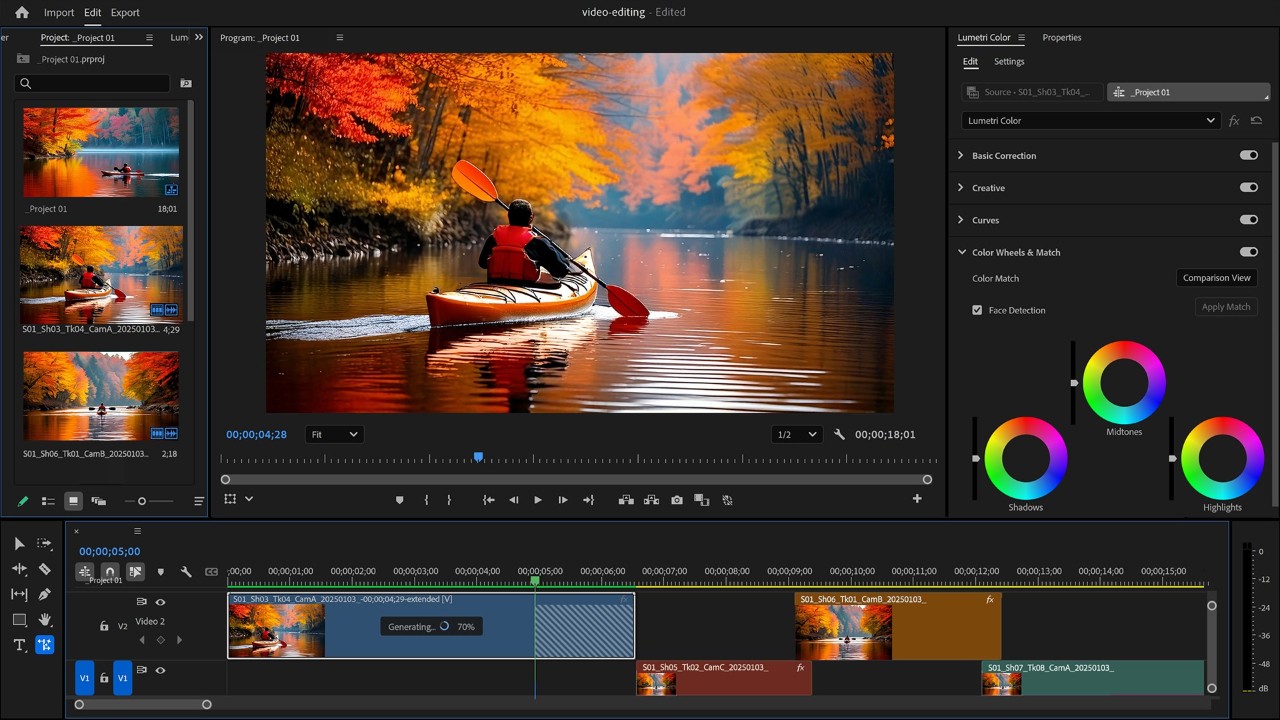
Video-editing application displaying a colourful kayaking scene
NVIDIA Studio / Video-editing showcase · NVIDIA
NVIDIA Studio

For what you create next.

NVIDIA Studio brings GPU acceleration, creator applications and Studio Drivers together for supported creative workflows. Consider your editing, rendering or design software alongside the games you play.

Application support and memory requirements matter. Check your software’s recommendations and choose the driver suited to your workflow.

Explore NVIDIA Studio at NVIDIA
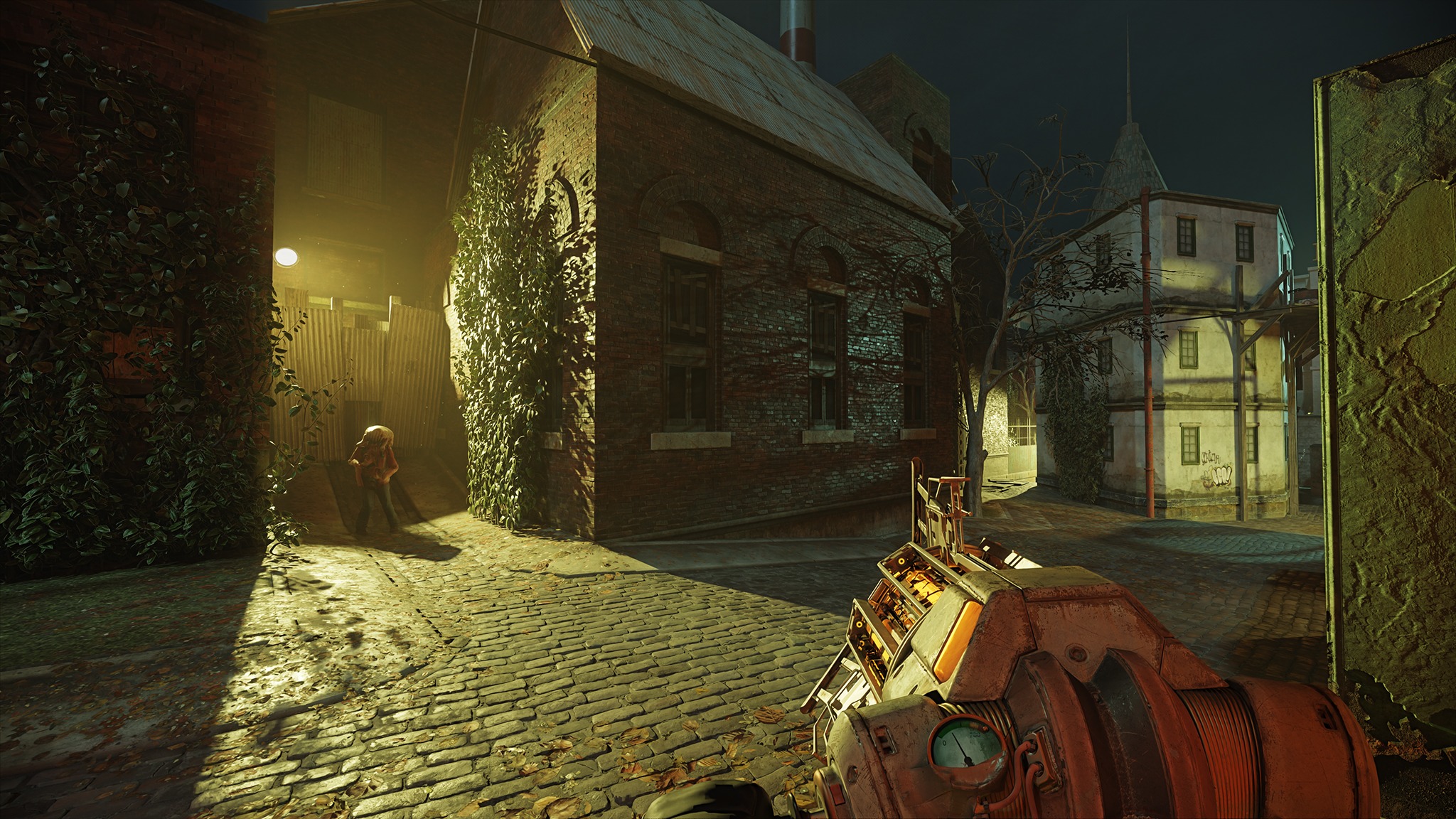
Full ray tracing

Light changes everything.

Explore richly lit game worlds with RTX rendering technologies. Features and performance depend on the title, settings and your complete system.

Half-Life 2 RTX scene with detailed lighting and reflections
Half-Life 2 RTX / Ray-tracing showcase · NVIDIA
Seven GPU families

Find your place in the range.

Start with a family, then compare the exact partner cards. Cooler design, dimensions, clocks and price vary between models.

Compare the essentials

From chip to card.

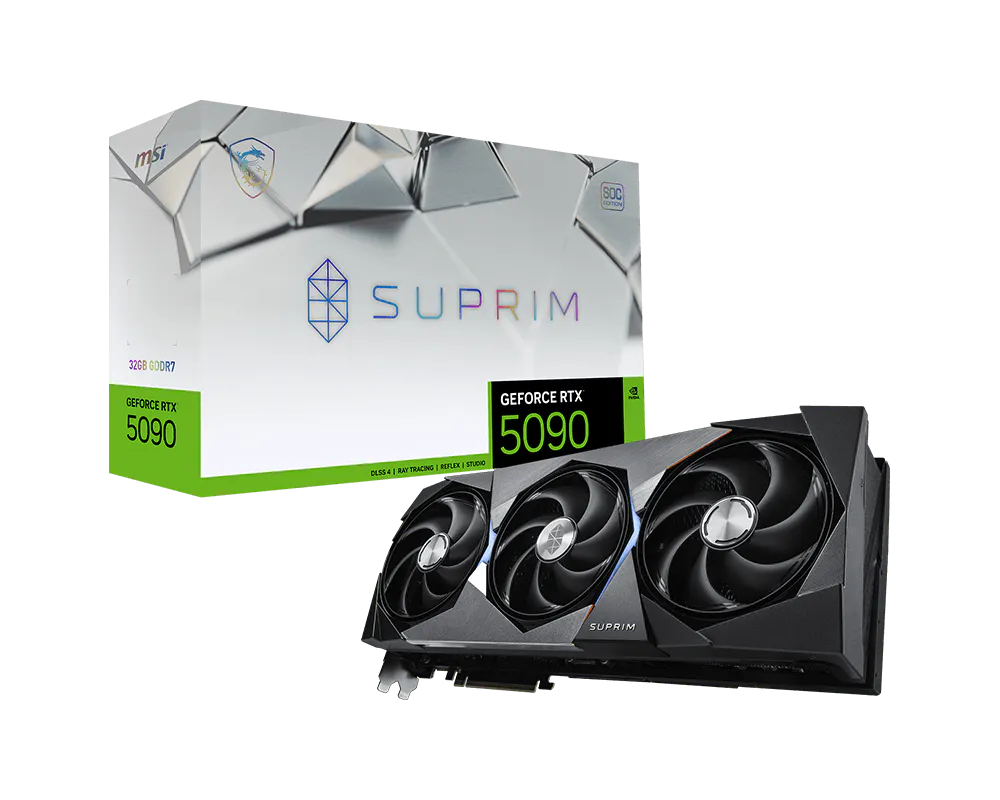
Selected MSI models provide a concrete comparison. These are exact-card specifications, not universal power or size requirements for every card in the family.

Selected MSI cardMemoryCUDA coresCard powerRecommended PSUExplore
RTX 5090 SUPRIM SOC 32G32GB GDDR721,760600W gaming / 575W silent1000WCard details
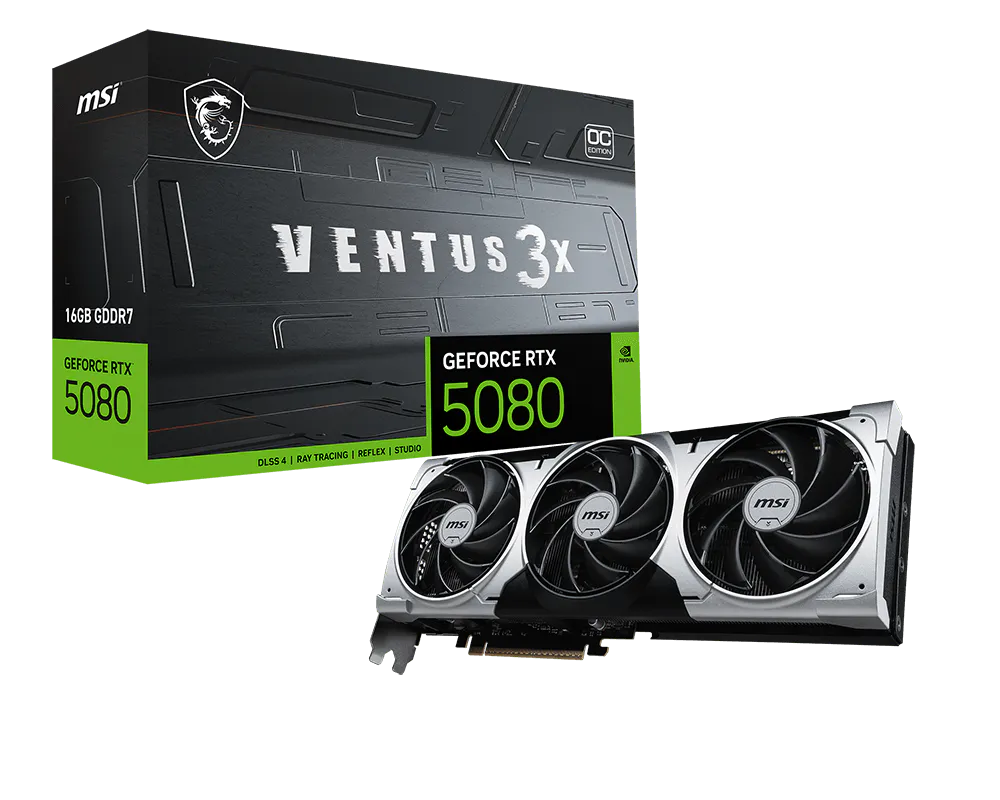
RTX 5080 VENTUS 3X OC PLUS 16G16GB GDDR710,752360W850WCard details
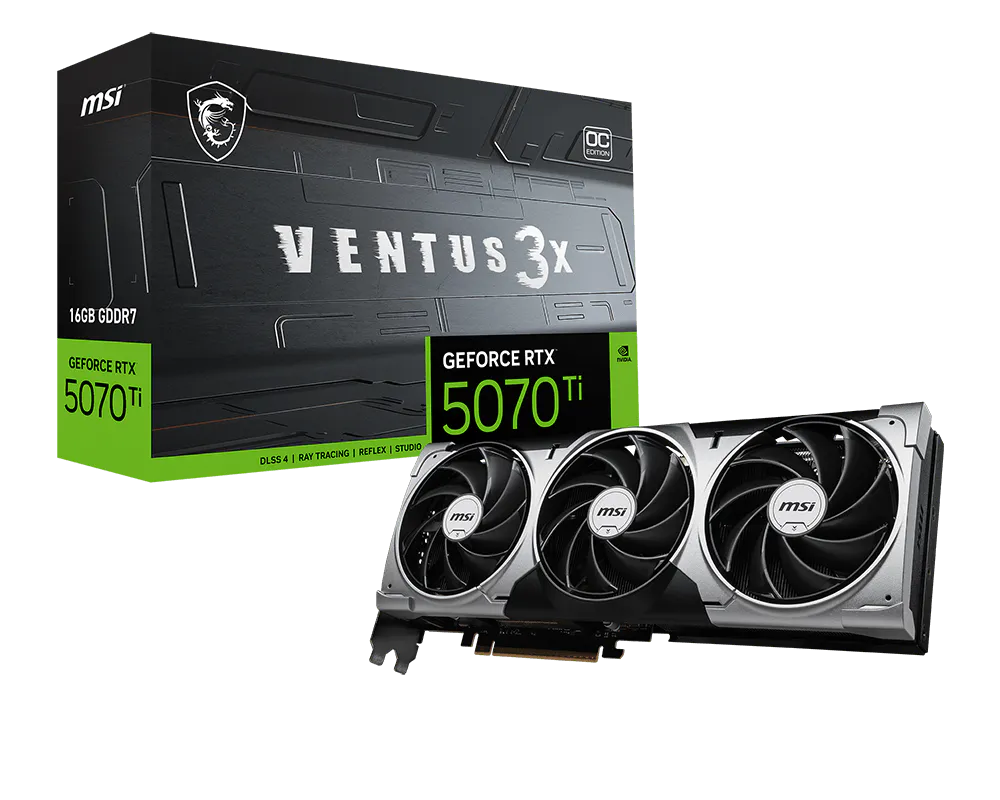
RTX 5070 Ti VENTUS 3X OC 16G16GB GDDR78,960300W750WCard details
RTX 5070 VENTUS 2X OC 12G12GB GDDR76,144250W650WCard details
RTX 5060 Ti VENTUS 2X OC PLUS 16G16GB GDDR74,608180W600WCard details
RTX 5060 VENTUS 2X OC 8G8GB GDDR73,840145W550WCard details
RTX 5050 GAMING OC 8G8GB GDDR62,560130W550WCard details

The RTX 5060 Ti is also listed in an 8GB version. Manufacturer specification links are provided on each card page. Actual results depend on your complete system, application and settings.

Before you compare performance

Look beyond the headline.

Use benchmarks for your games, resolution and settings. Check whether upscaling, ray tracing or generated frames are enabled before comparing results.

View NVIDIA’s performance tests and conditions
Does every RTX 50 card have the same features?

The family shares an architecture, but memory capacity, processing resources, cooling and power differ. Game and application support determines which software features you can use.

How do I choose between two cards with the same GPU?

Compare exact model numbers, card dimensions, cooling, connectors, PSU requirements and price. The GPU name alone does not identify the complete card.

Are the product prices and stock live?

Catalogue prices are indicative. Follow a card’s detail page for specifications, then contact us to confirm current pricing and availability.

Make it your next upgrade

The 50 Series collection.

View all 11 cards

GPU Elite is presenting independently written buying information using NVIDIA’s official resources. NVIDIA and GeForce are trademarks of NVIDIA Corporation. Product imagery belongs to its respective owner.

The wider partner collection

49 models. Eight manufacturers.

Explore the full linked NVIDIA Marketplace selection, with individual card pages and clear paths to retailer availability.